


 XM


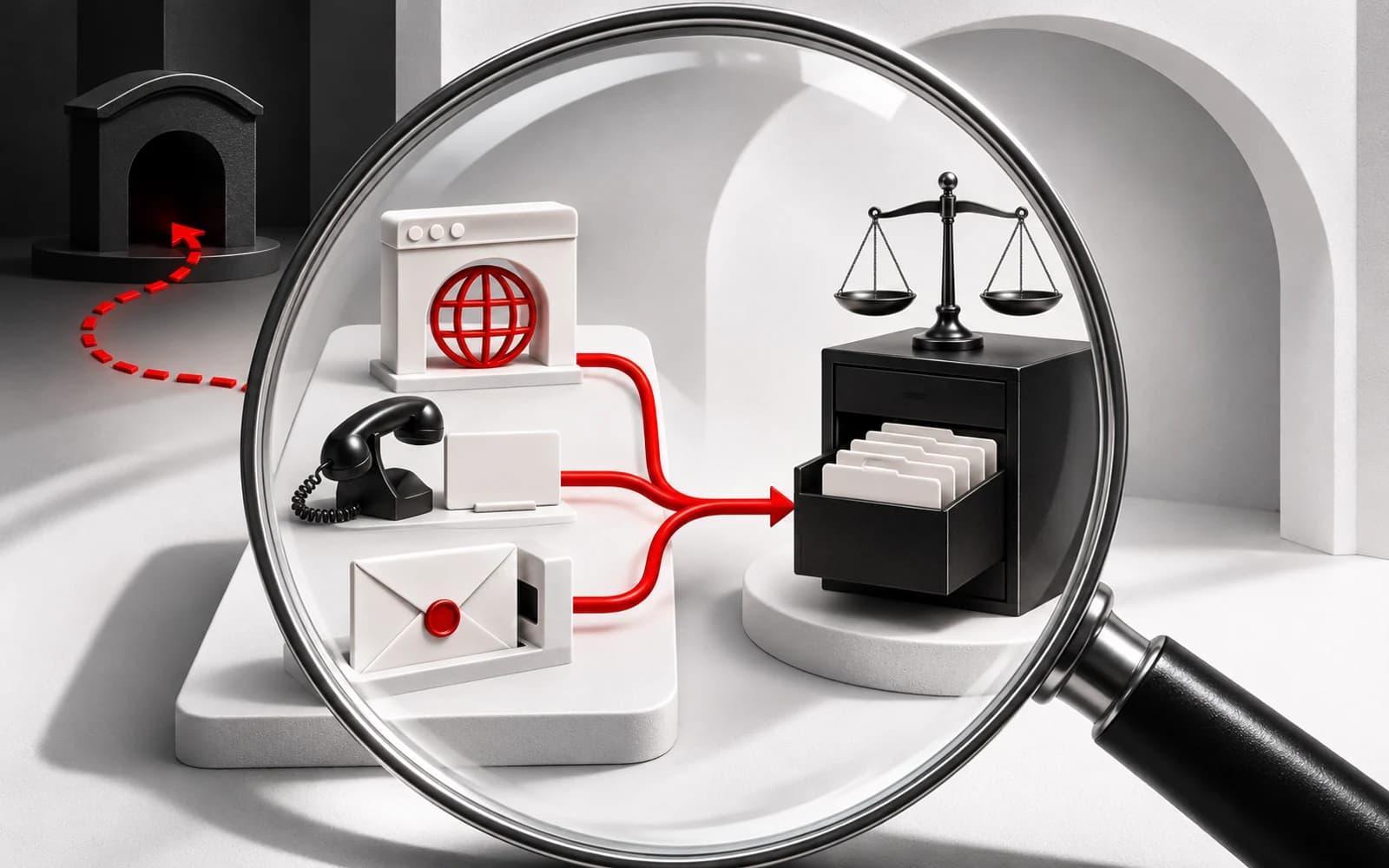
Before registering through an XM-branded page or responding to a payment request, identify the contracting legal entity and compare it with the current regulator record. Check the exact destination, then independently confirm the contact and payment recipient. A familiar brand name or genuine licence number alone cannot authenticate a sender. These checks can help identify discrepancies, but they cannot guarantee safety.
Identify the company in your registration documents
Find the company's full legal name in the registration agreement and applicable account documents. Compare it with any operator disclosure on the page. If the names differ, contact support through an independently verified route and ask for an explanation before submitting personal information.
XM's legal-documents page says documents applicable to an account will be marked during registration and should be read before registration is completed. Use those documents to identify the proposed contracting entity and review the terms presented to you. XM legal documents
The supplied documents and snapshots do not establish which entity would contract with you, your country eligibility, or the available account types, currencies and payment options. Check these details in the documents and information presented during your registration.
Compare the entity with the current regulator record
Find the relevant regulator's official register independently and search for the exact legal entity. Compare its registration or licence number, current status, permitted activities and any listed website domains or contact details. Investigate material differences before proceeding.
The XM regulation-page snapshot retrieved on 18 November 2026 states that XM Global Limited is registered with Belize's Financial Services Commission under the Securities Industry Act 2021, with licence number 8557558. This is XM's own disclosure. Check it independently against the regulator's current record. Each regulatory record applies to the entity it names. XM regulation disclosure
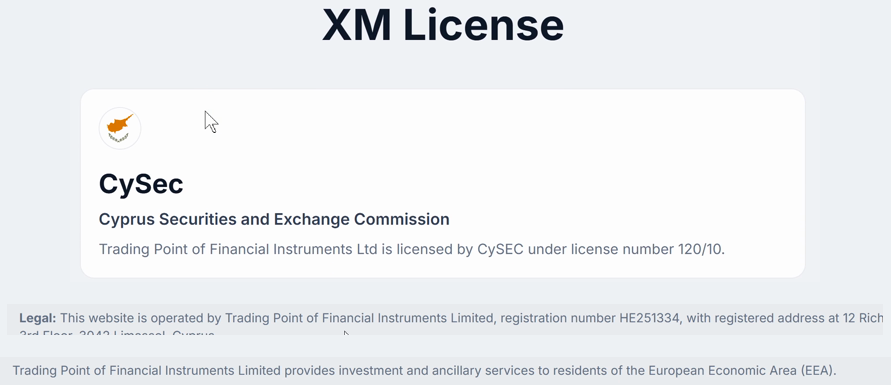
Archived XM screenshot. Its capture date and depicted details are unverified; it cannot establish current regulatory status.
The capture date and depicted details of this archived XM screenshot are unverified. It cannot establish current regulatory status.
Inspect the complete hostname
Expand the browser's address field to inspect the complete address. Identify the hostname separately from the scheme, any user information, port, path, query and fragment. Branding elsewhere on the page does not confirm who controls that hostname.
For example, the invented hostname xm.com.registration.example sits beneath registration.example. It begins with xm.com, but the complete hostname belongs beneath a different domain. Compare the full hostname with the independently checked record. Recheck it after redirects, including when moving to registration, login or payment pages.
The supplied XM Global risk-disclosure document gives www.xm.com as its web address. This establishes the address published in that document. Each subdomain, redirect and payment destination still requires verification for the action you intend to take. XM Global risk disclosure
Independently confirm the contact and destination
Start a fresh conversation using contact details obtained independently through a verified website or the relevant regulator's record. Avoid relying on details supplied solely by the sender whose identity you are checking.
The supplied XM support-page snapshot directs users to its Help Center and says further assistance is available through the Customer Experience team's communication channels. Reach this support entry point through your verified route. XM support
Ask support to confirm the details relevant to your situation:
- Whether the sender and communication channel are authorised.
- Whether the exact registration or login destination is authorised for the named legal entity.
- For a payment, whether the destination and recipient details match the intended account and transaction.
Support may have limited ability to authenticate a particular sender or destination. Keep the action paused if a material discrepancy remains unresolved.
Share only what is needed for verification
Withhold passwords, one-time codes, identity documents and financial details from an unverified contact. When you reach support independently, begin with the hostname and a description of the request, or a redacted screenshot. Before sharing a screenshot or address, remove credentials, sensitive URL tokens and personal information.
Pause when details remain unresolved
Pause registration, identity-document uploads and payments while material mismatches remain unresolved. Seek clarification if, for example, the agreement's entity differs from the regulator record without explanation, a redirect leads to an unexpected destination, or recipient details remain unconfirmed.
Preserve relevant messages, hostnames, recipient details and payment references. If you have already given bank details or sent money to a suspected contact, contact your bank promptly and explain what happened. Any available response or recovery depends on the circumstances.
The official-page and document snapshots cited here were retrieved on 18 November 2026. The current regulator record, your destination and any payment recipient still require independent verification. Any conclusion should apply only to the particular legal entity, hostname, contact, destination, recipient and time checked.
Video reference
Archived screen recording of the Cyprus view of XM’s Regulations page, showing the broker’s CySEC licence disclosure and client funds information.
This review is based on the cited legal, regulatory and operational materials available at the time of review. Terms and regional eligibility can change; confirm the entity and current documents before opening an account.